


Spell Vowel Digraph Games
This spelling game helps your students learn how to spell long vowel phoneme words with the ea phoneme. You can play this game on all devices, from iPads to Chromebooks and Interactive Whiteboards. It’s ideal for KS1 learners and uses phase 3 phonics. These games are part of our spelling games KS1 collection.
Spell ea Words with Mango
- Play Spell a-e Words
- Play Spell aw Words
- Play Spell ay Words
- Play Spell ea Words
- Play Spell ee Words
- Play Spell er Words
- Play Spell ew Words
- Play Spell i-e Words
- Play Spell ir Words
- Play Spell oa Words
- Play Spell oi Words
- Play Spell oo Words
- Play Spell or Words
- Play Spell ou Words
- Play Spell ow (brown) Words
- Play Spell ow (show) Words
- Play Spell oy Words
Printables:
Example Printables
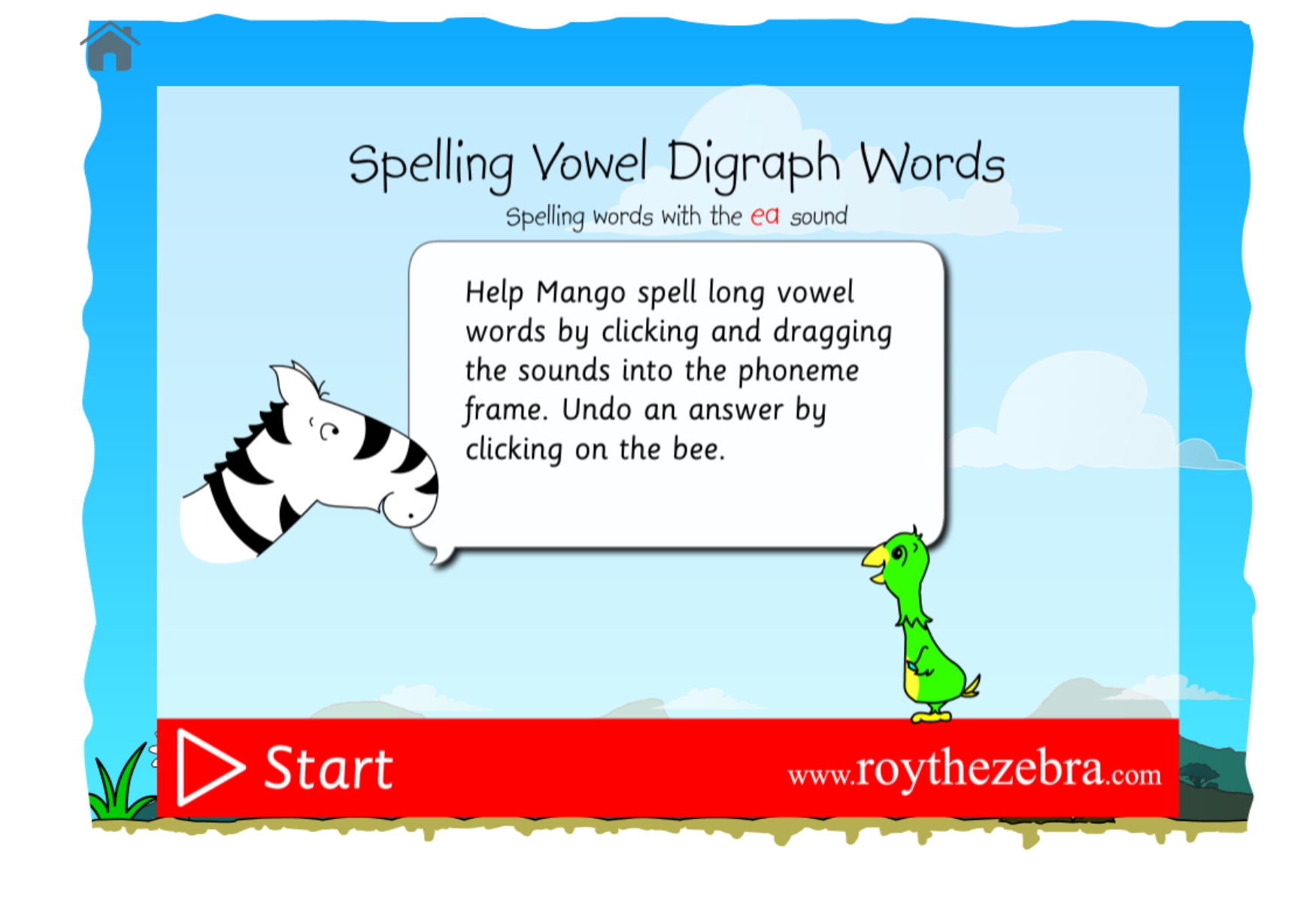
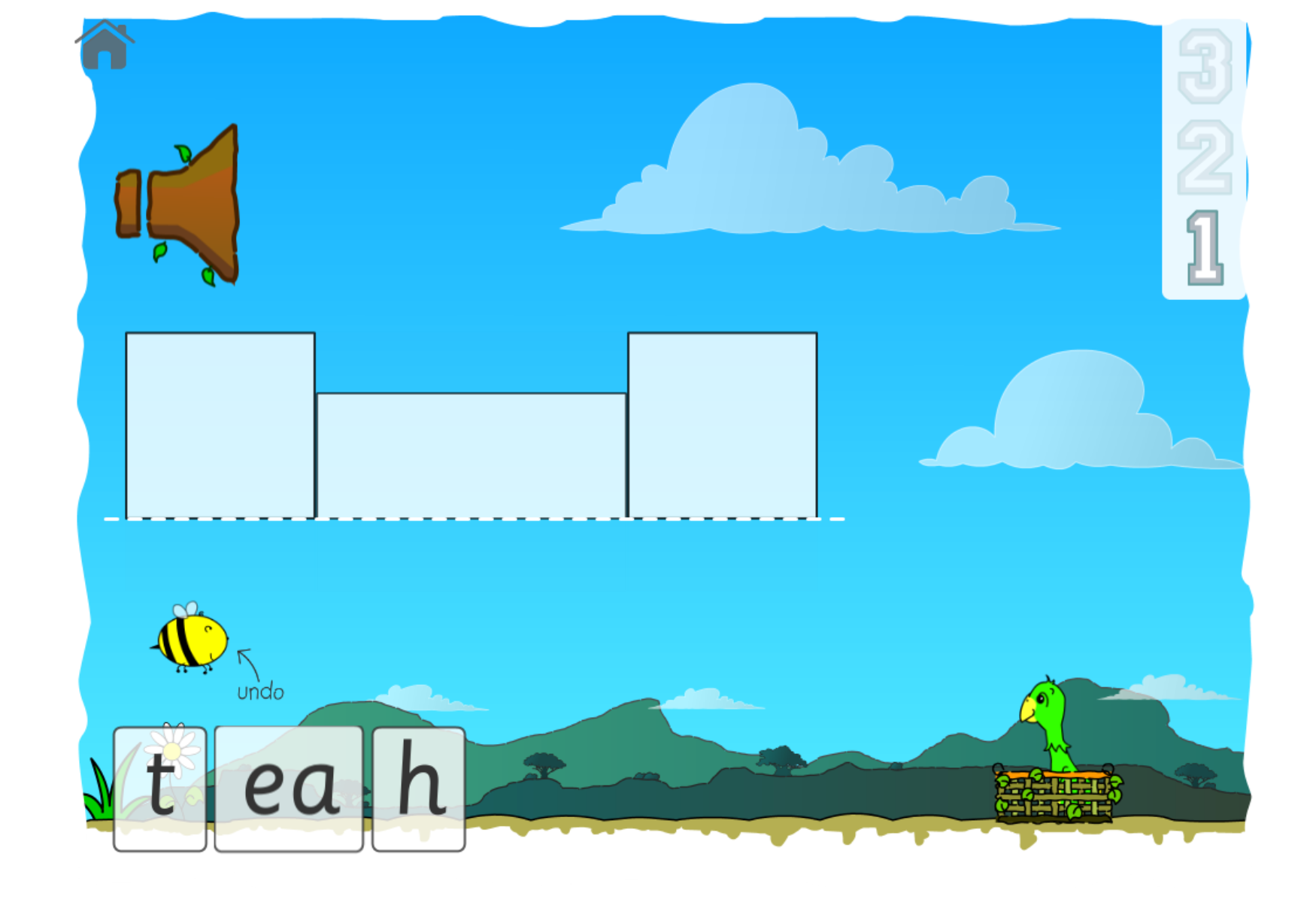
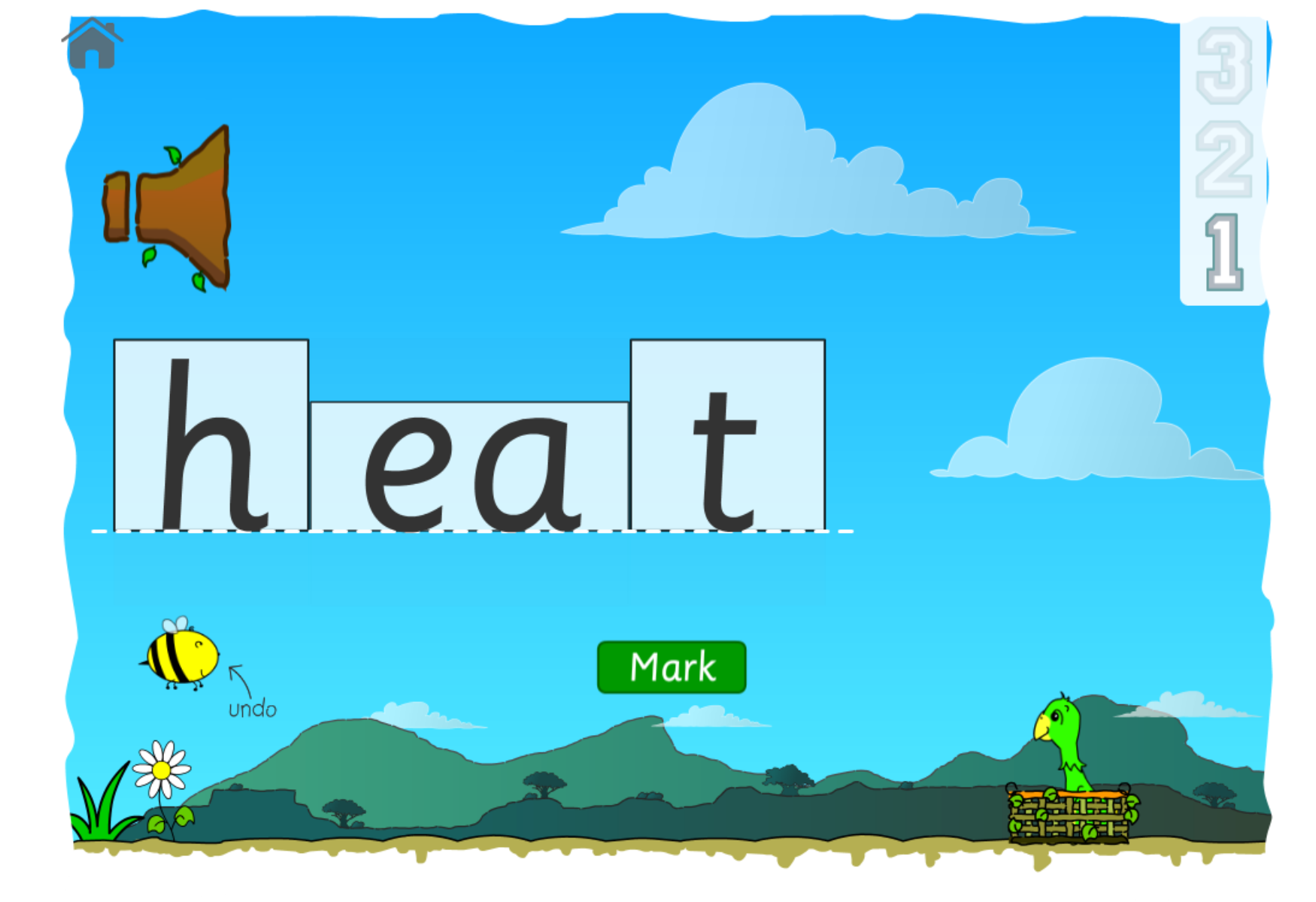
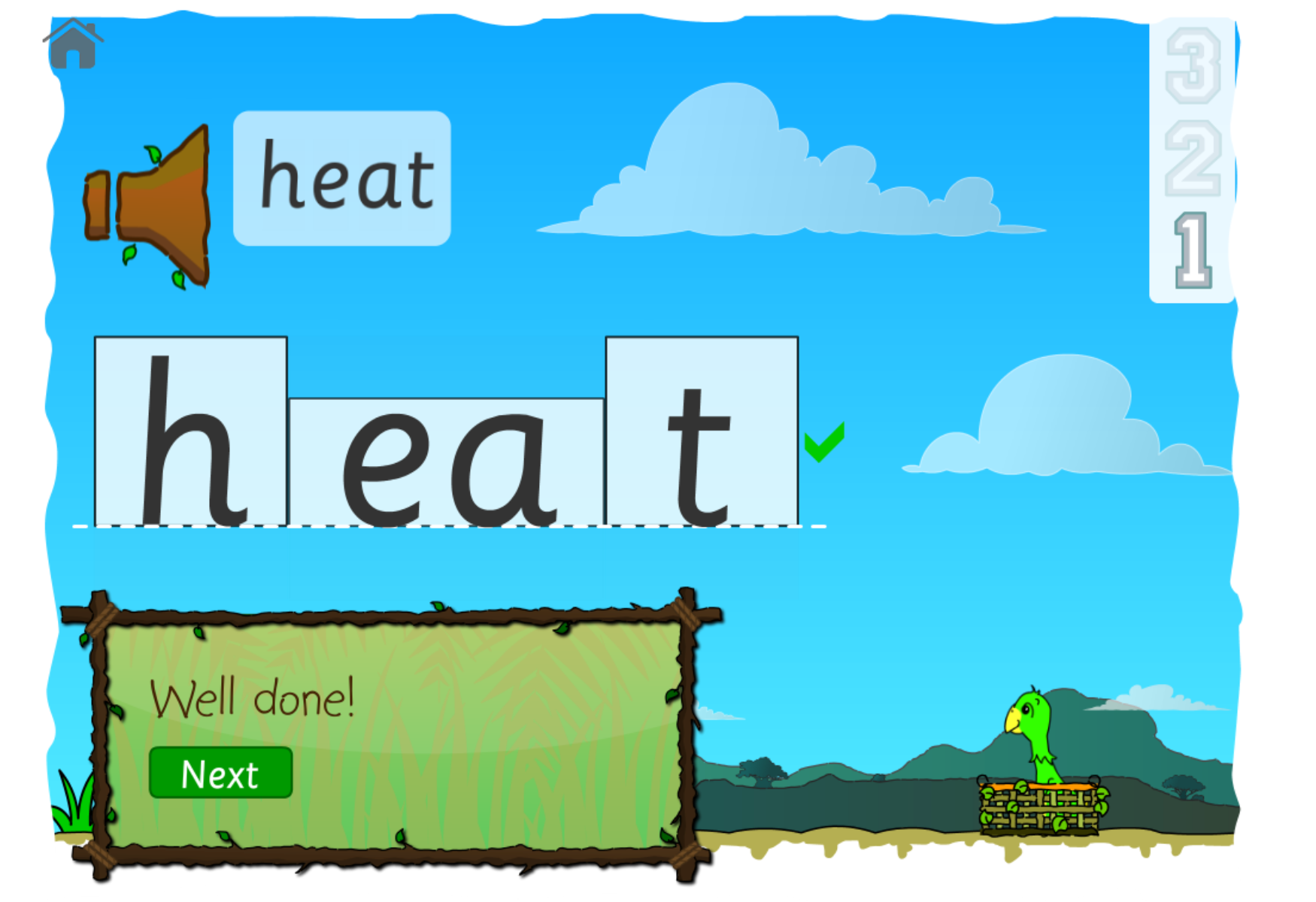
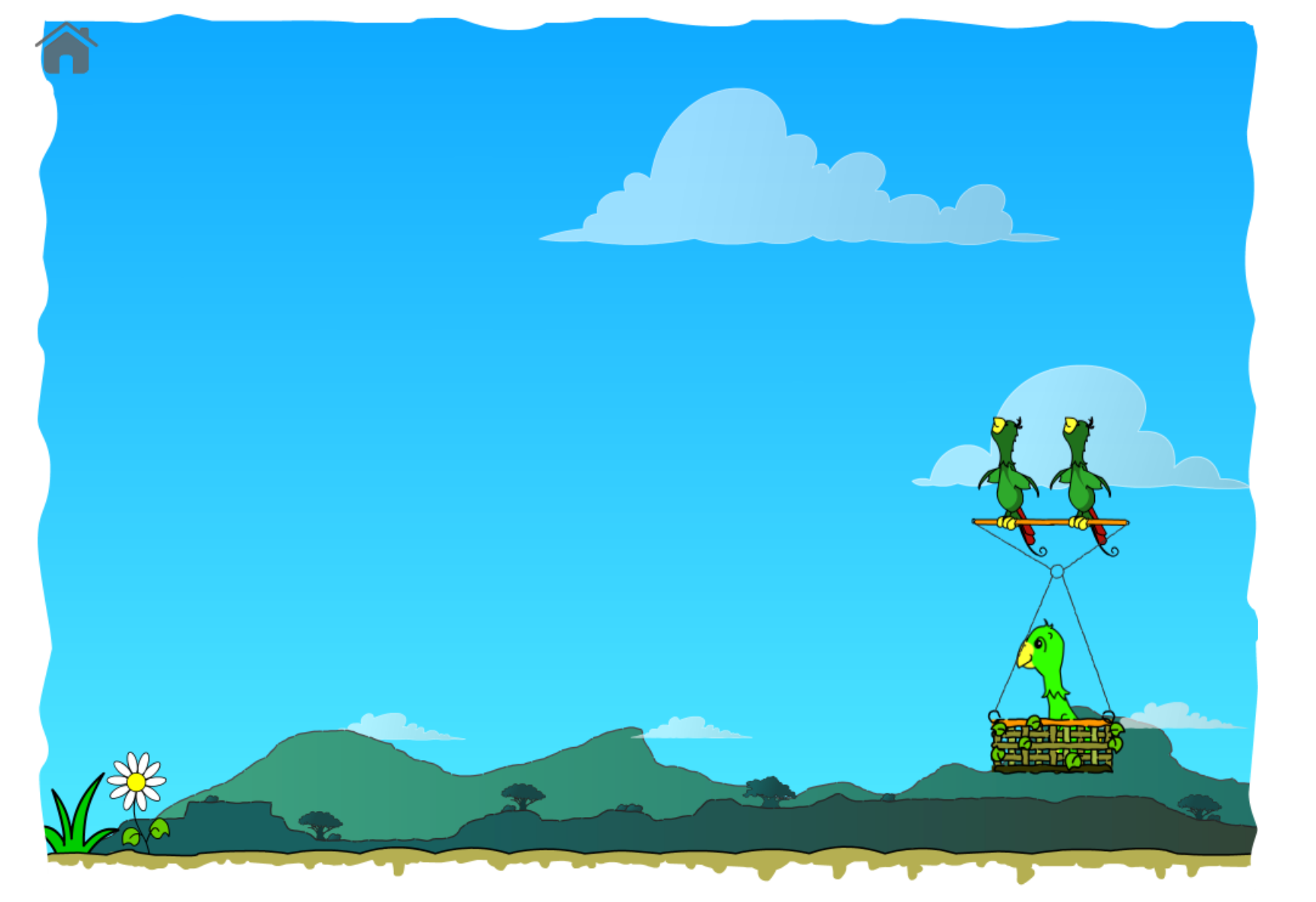
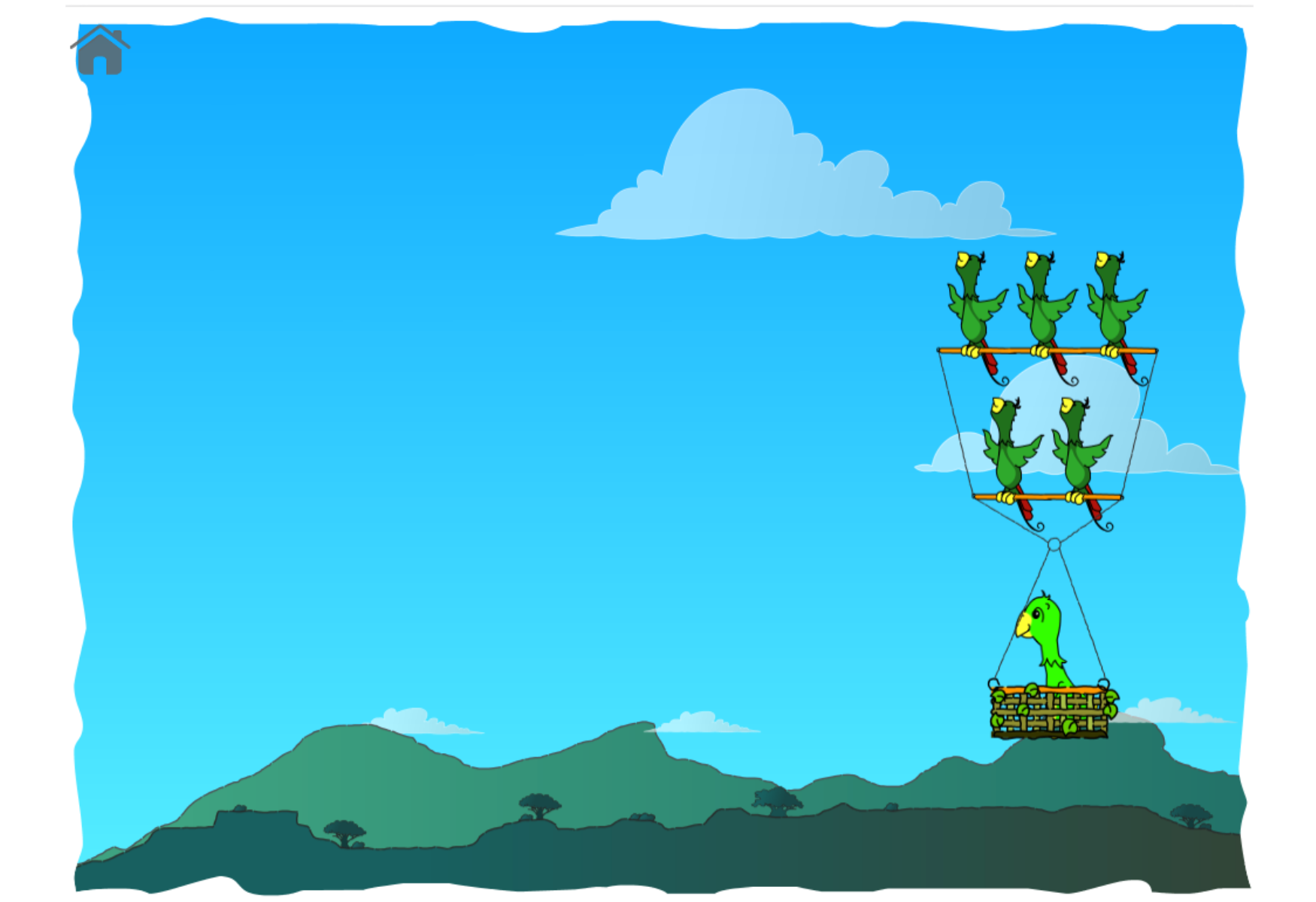
An easy to use spelling game that will help you learn how to spell ea words. Mango is having a rest from flying, she’s been a busy parrot (involved in rescuing Lucy the Elephant don’t you know)... she would still like to have a zoom around the sky though. Help her go flying with her friends by spelling the ea words correctly.
An empty phoneme frame will be built on the screen and the word you need to spell will be said. Don’t worry if you didn’t hear it, you can listen again by touching or clicking the loudspeaker icon.
Take note of the shapes in the phoneme frame, they’ll help you find the right phonemes.
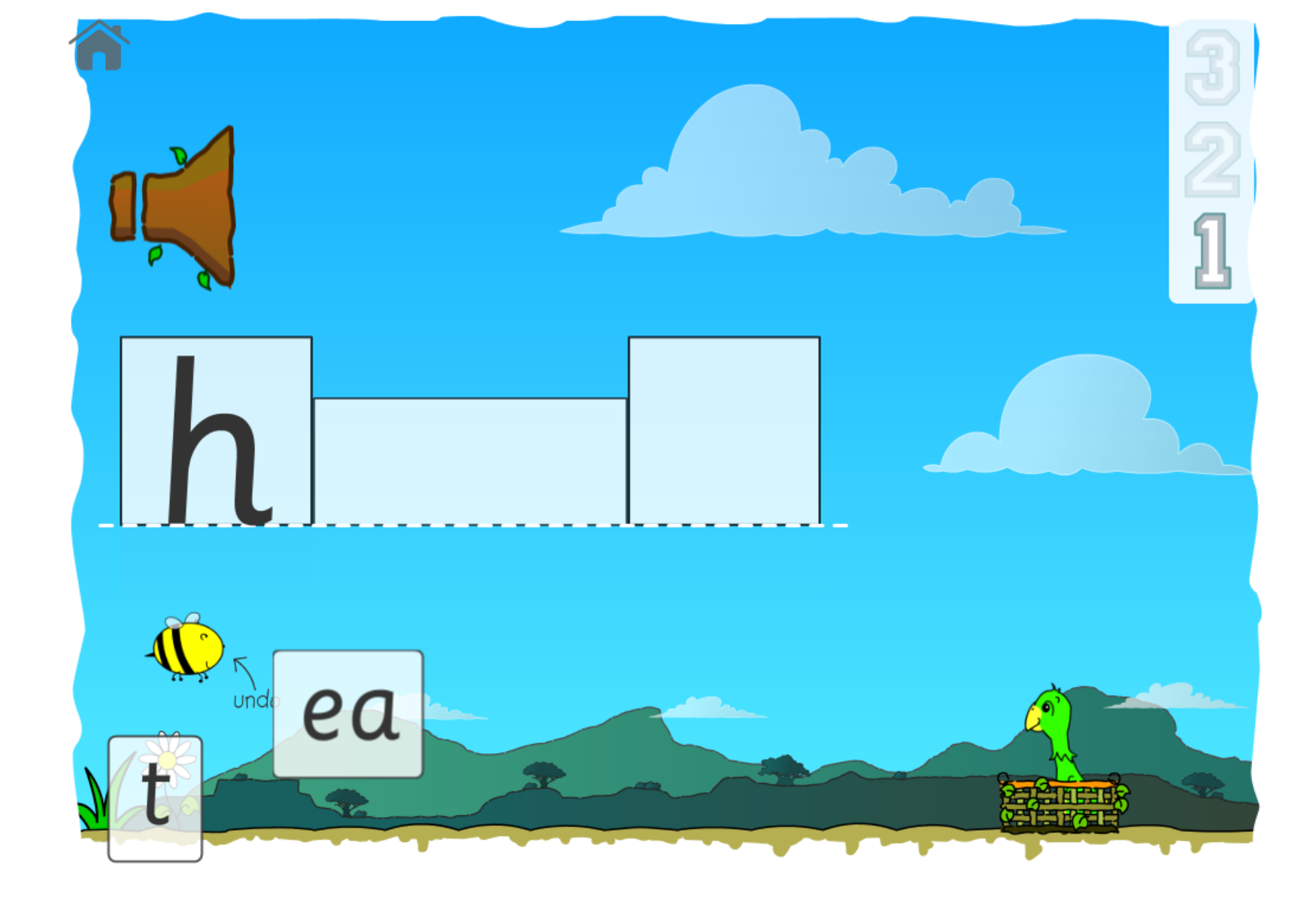
The phonemes you need to spell the word can be found at the bottom of the screen. You can drag them around the screen by touching / clicking and holding them.
As you touch or click and hold the phoneme you’ll hear its sound. Good eh!?
Drag the phoneme up to the phoneme frame and drop it in where you think it should be. The phoneme will then appear in the phoneme frame.
Don’t worry if you dropped it in the wrong place, you can always click our friendly bee to undo the last phoneme you dragged and dropped.
Keep going until you have filled the phoneme frame with the phonemes.
Once you have filled the phoneme frame, check your word. Have you spelt it correctly? You can check the sounds, by touching or clicking on each phoneme.
If you think the word is OK, then click or touch the Mark button.
The game will mark the answer for you.
If you got the word right, then well done! Click the Next button to advance to the next word.
Did you get the wrong? No worries, try again.
As you play, watch Mango go flying with her friends.
Have fun!
Spelling - Which Vowel Digraph (oi and oy words)?
- Play Spell a-e and ay Words
- Play Spell aw and or Words
- Play Spell ea and ee Words
- Play Spell ew and oo Words
- Play Spell ir and er Words
- Play Spell oa and ow Words
- Play Spell oi and oy Words
- Play Spell ou and ow Words
Printables:
Example Printables
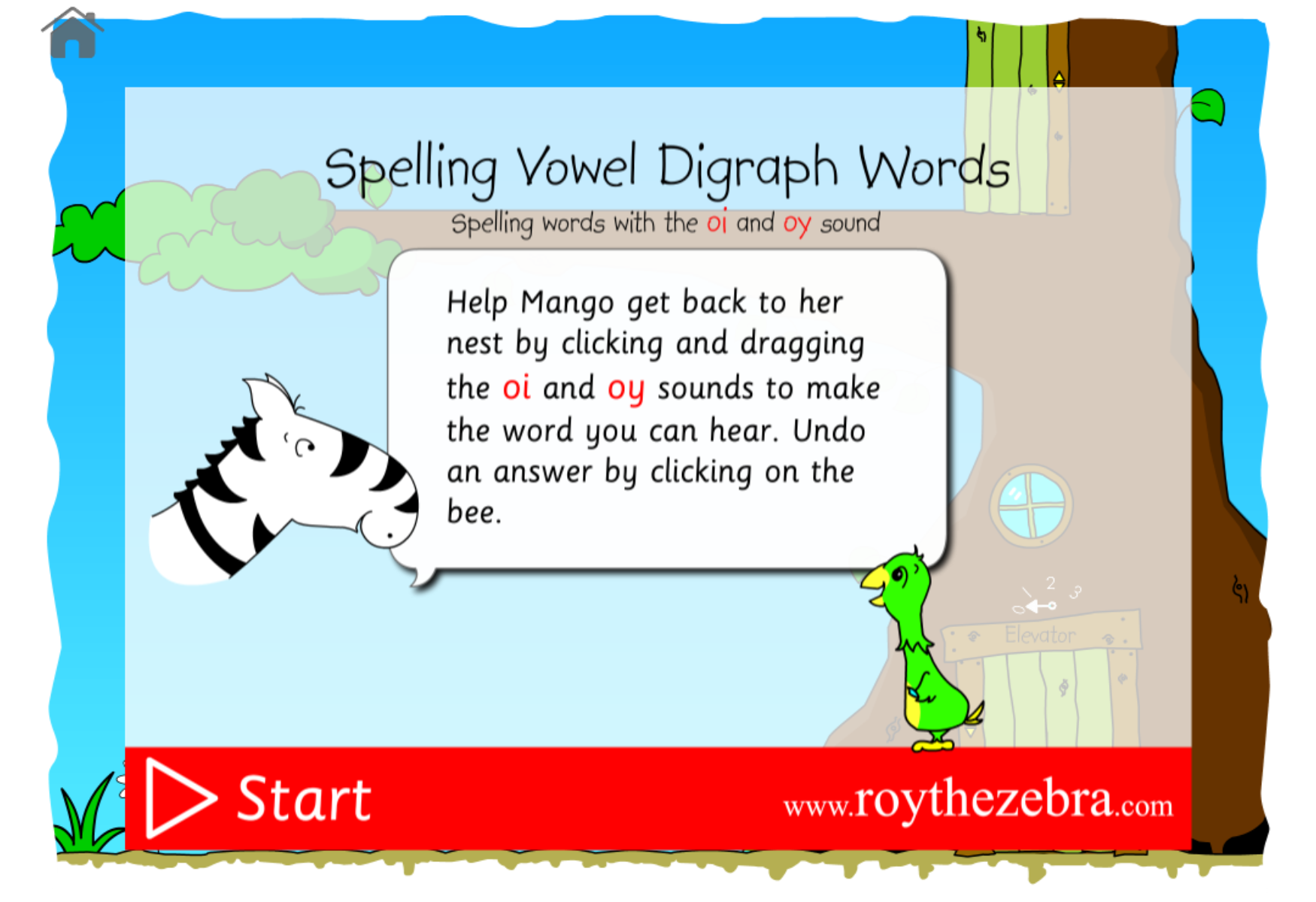
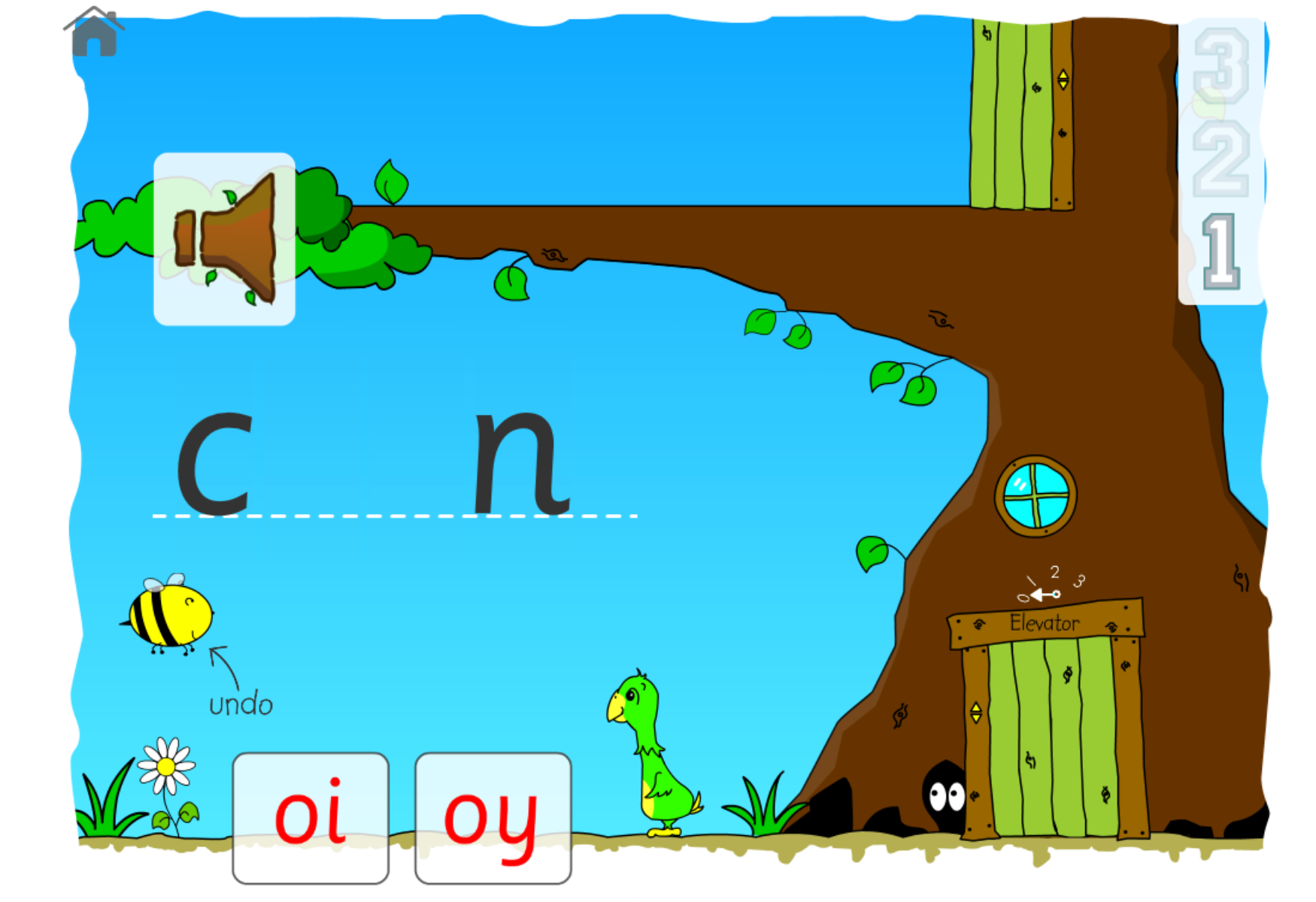
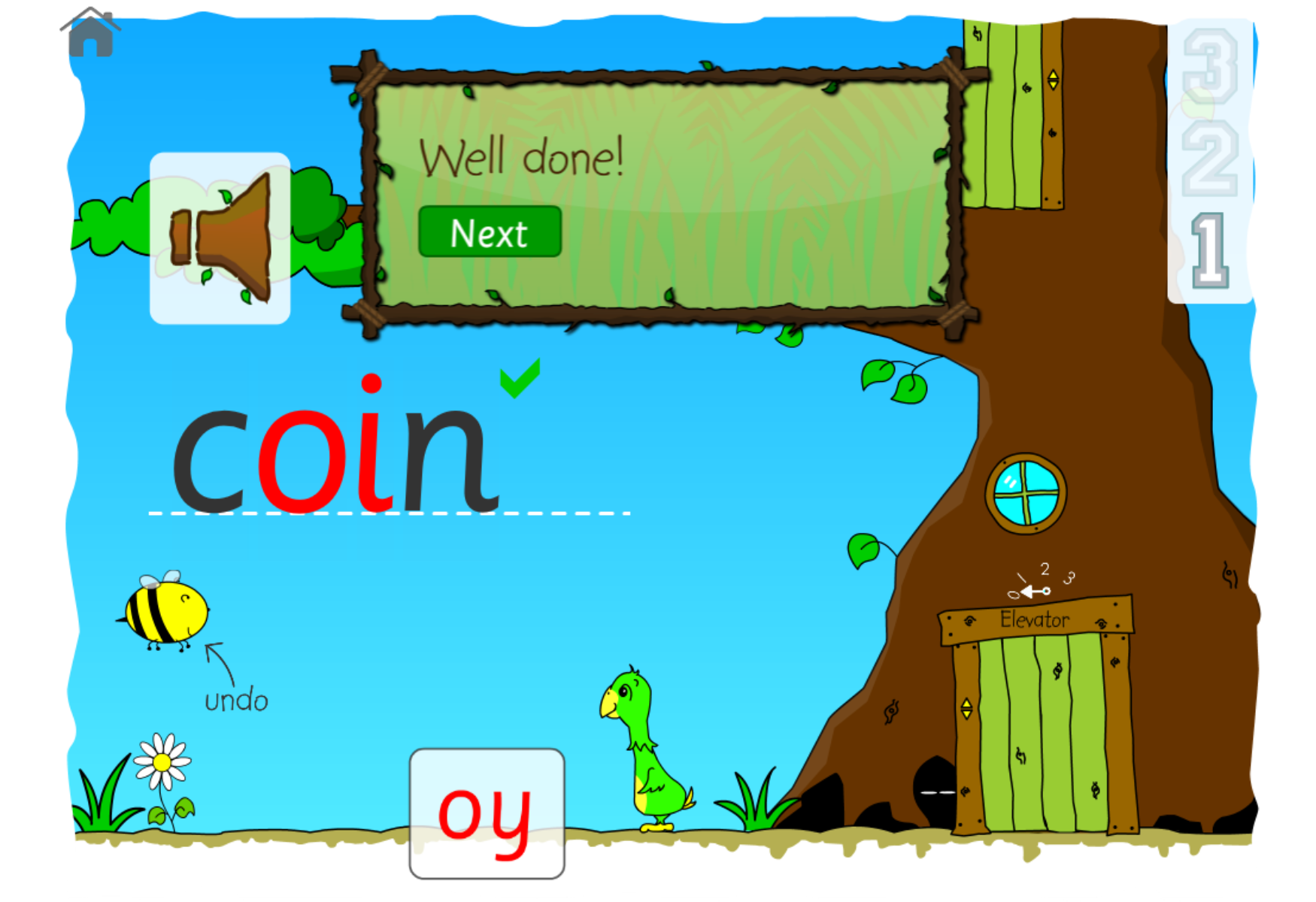
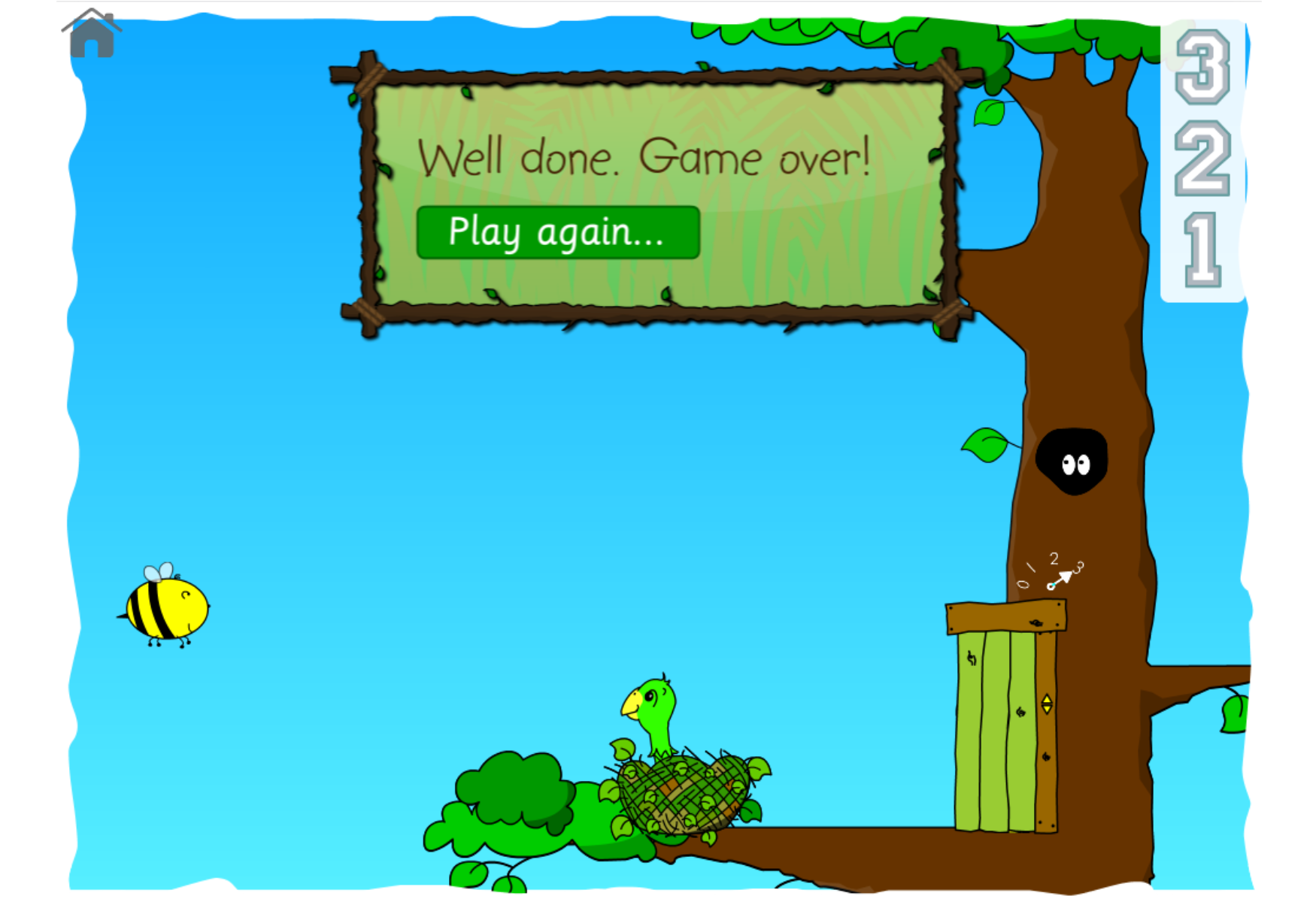
Mango needs your help. She’s been a busy parrot helping to rescue Lucy the Elephant. She needs a rest in her nest. Help her get to her nest at the top of the tree by choosing the right vowel digraph for these oi and oy words.
Click start and listen carefully for the word that you’re going to spell. You can listen to the word again by clicking on the speaker icon.
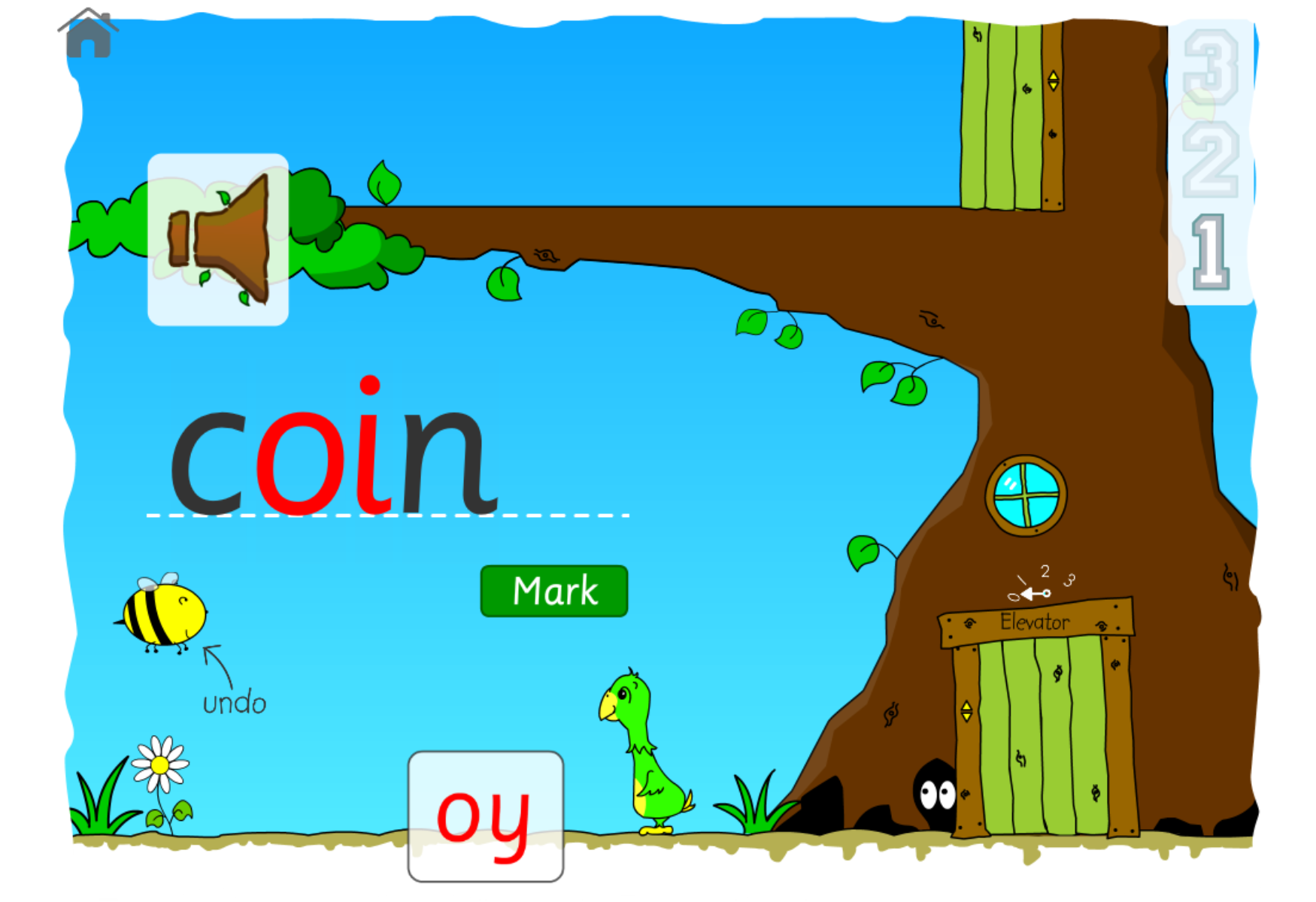
At the bottom of the screen, you have a choice of two vowel digraphs - oi and oy. Which one should you use to spell the word? Touch and drag the vowel digraph up to the line.
Does it look right? If it doesn’t then click the bee to undo your answer.
Press the Mark button to find out. Did you get it right? If you did then click Next to go on to the next word. No worries if you didn’t get it right, have another go!
Keep going with the words. At the end of a round of words, Mango will be able to use her tree’s elevator to head up to the next level.
Keep going with the game until you get Mango to her nest.
Well done, you made it… we now have a very happy parrot and you have learnt how to spell oi and oy words!