High Frequency Word Games
We’ve got two high frequency word games for you below - days of the week and months of the year. Help Uncle Tom get ready for bed by getting your days of the week in the correct order or your months of the year. Please register if you intend on using these reading games.

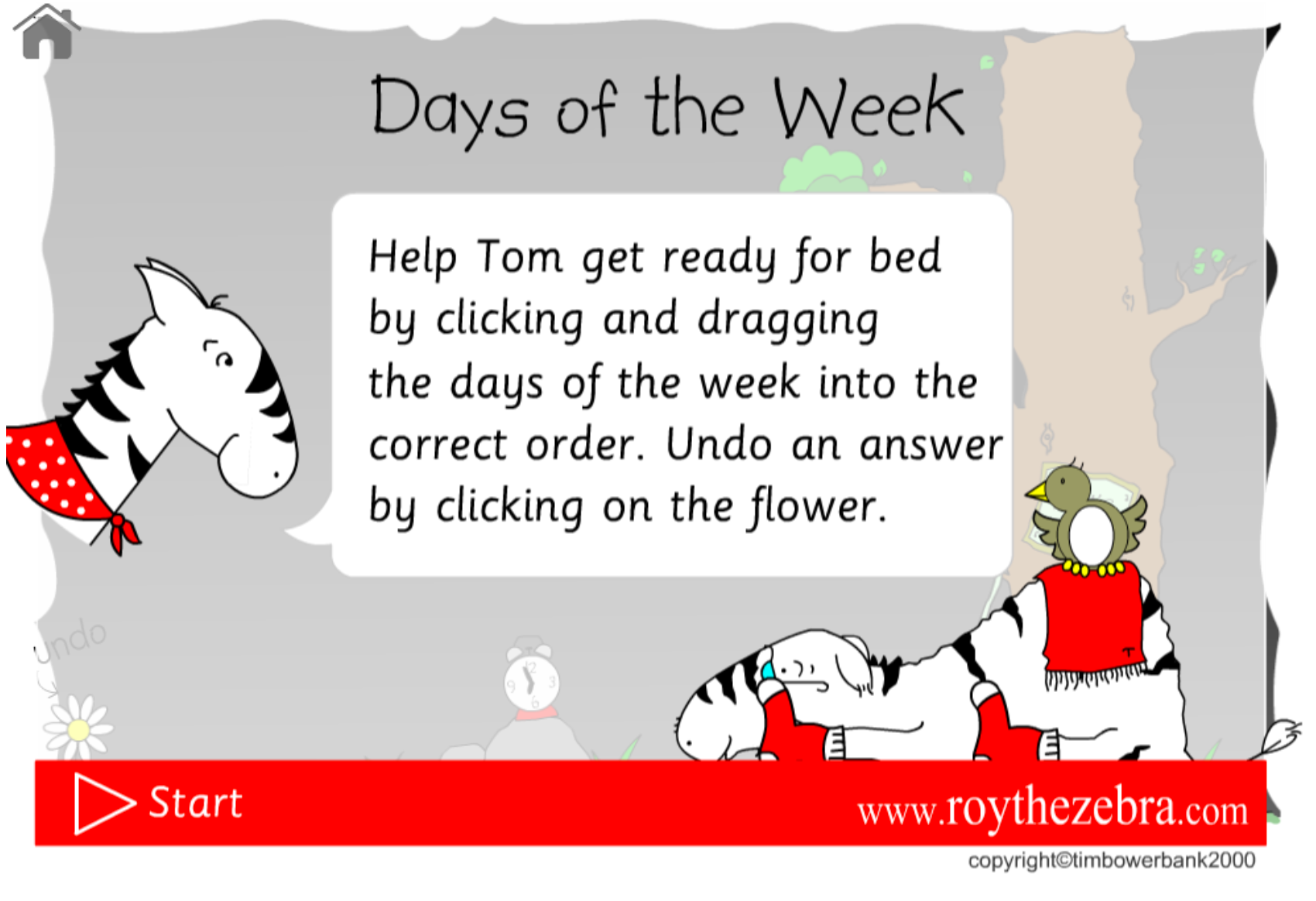
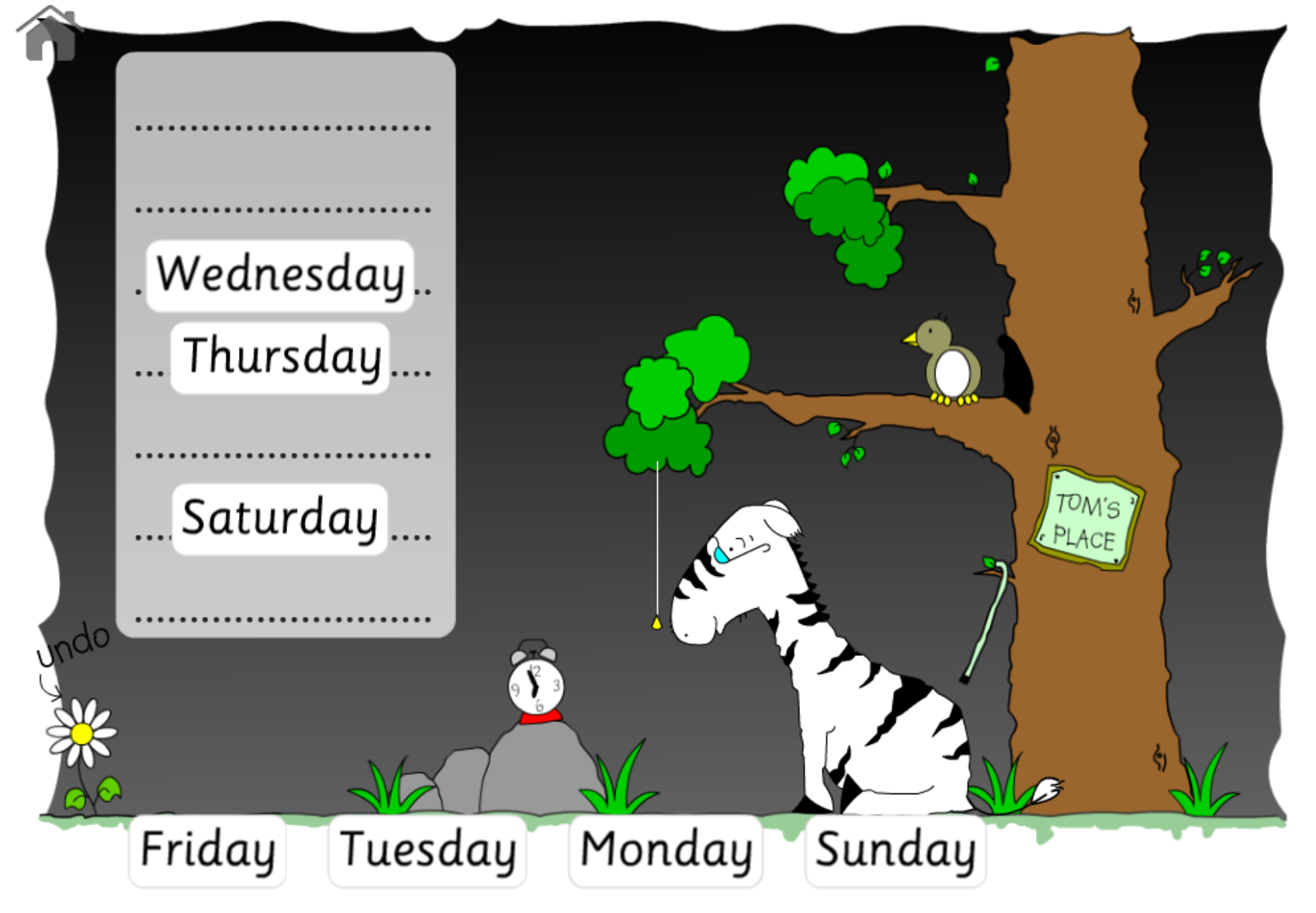
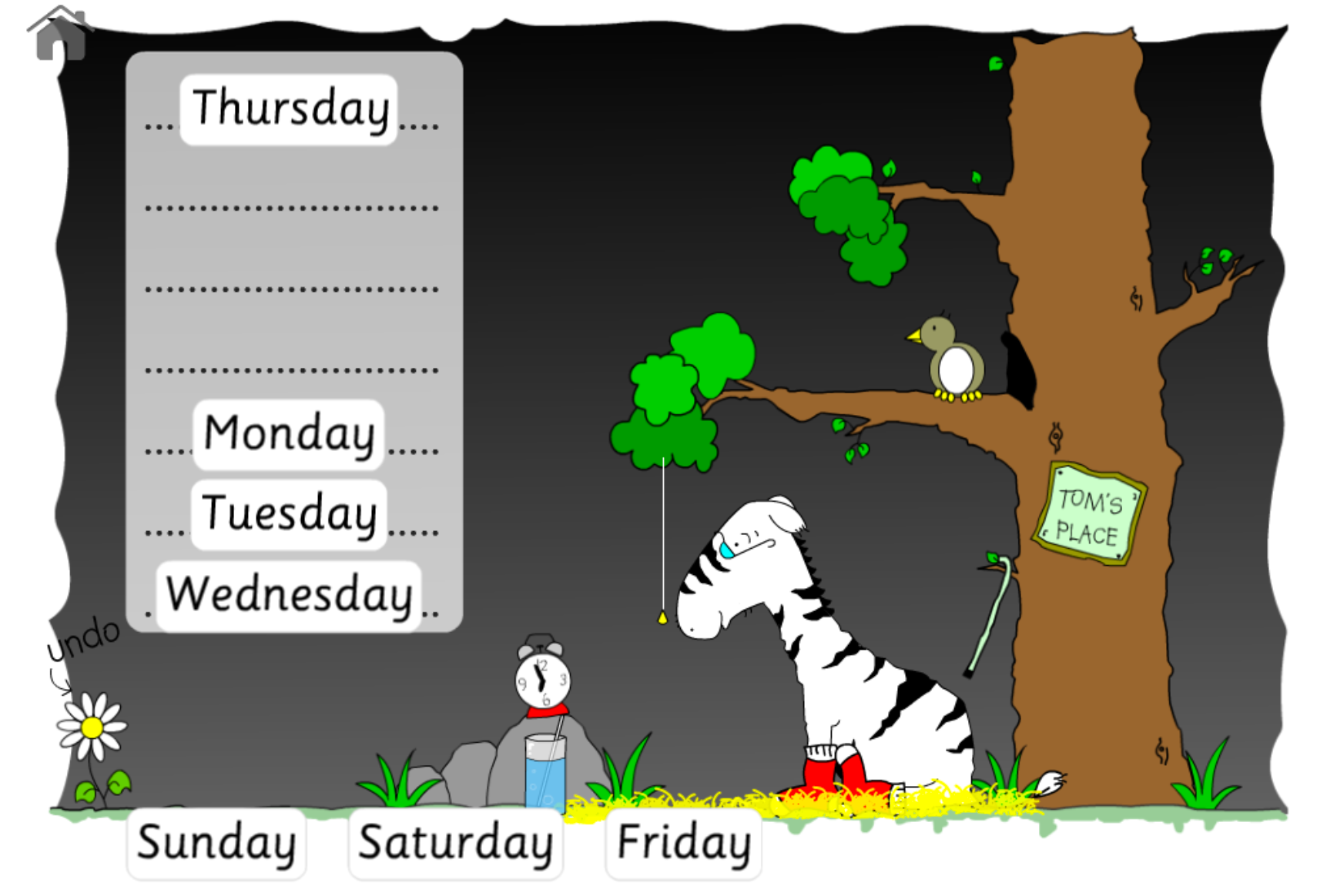
In this days of the week reading game Ol' Uncle Tom lives at the safari park, he likes his creature comforts now he is older, like some nice hay to sleep on and some bed socks! Help sort the days of the week into their correct order and you'll be able to give Ol' Uncle Tom something for his bedtime. A high frequency words game, more versions of this reading game and other high frequency word games are available on Club Roy.
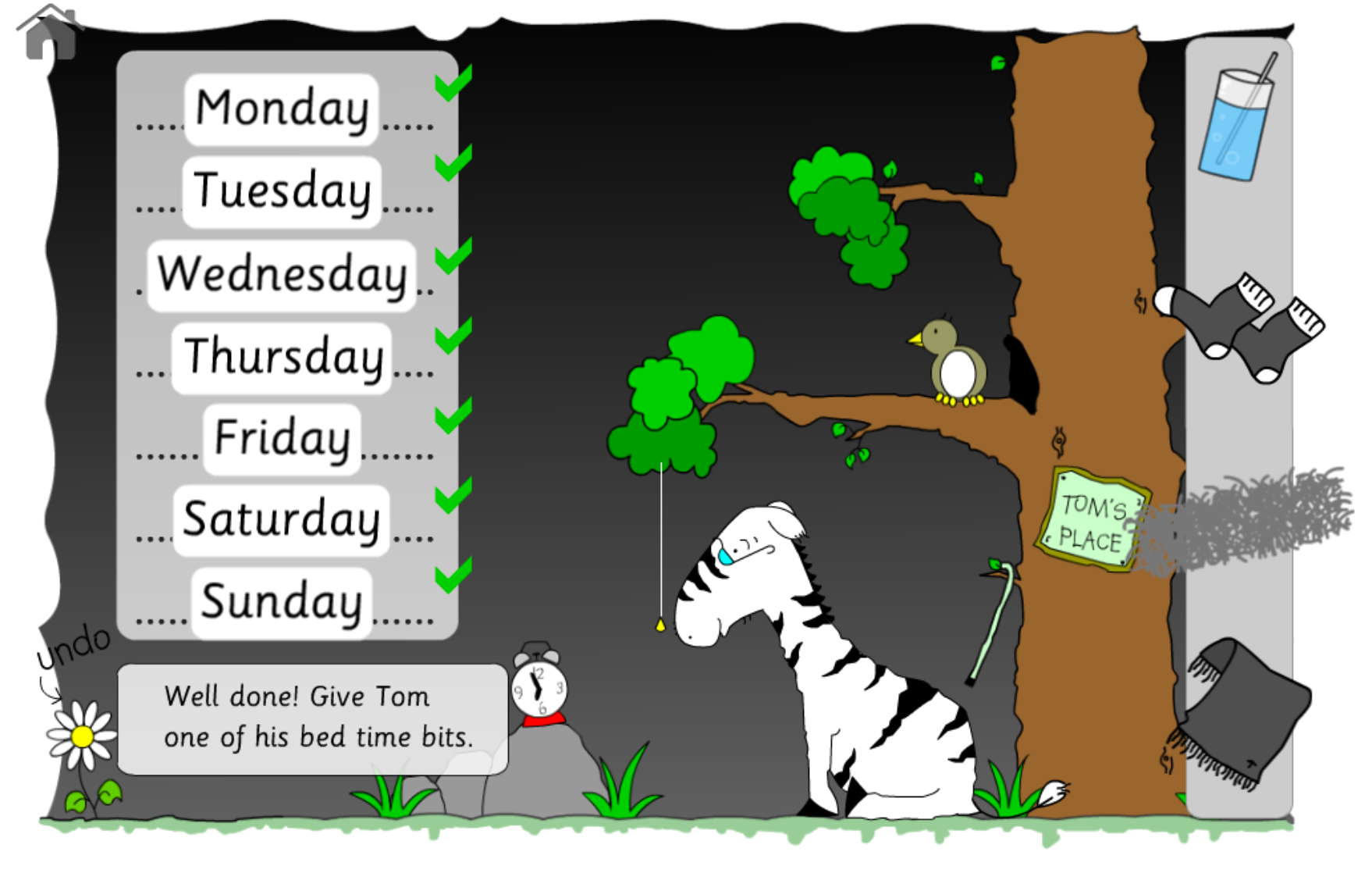
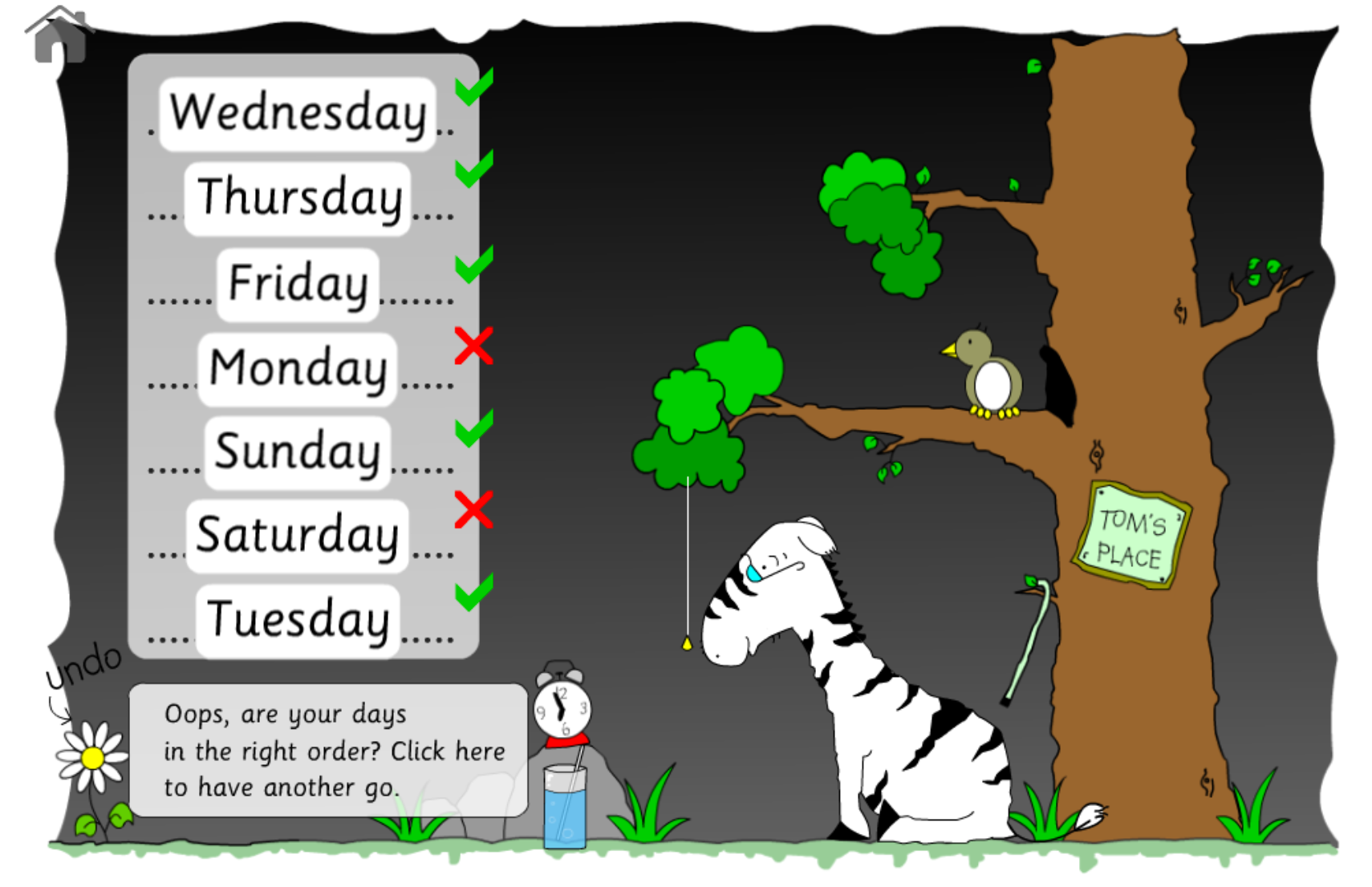
The reading game will detect when you have placed the last word and will then automatically mark the answers. If you have the days in the right order then you'll get the chance to give Ol' Uncle Tom one of his bedtime bits (for example a glass of water). To do this, drag the item from the side box on to Uncle Tom. He'll be very pleased with you!
If you don't get the days of the week in the correct order first time then don't worry you'll get another chance to re-order them.
If you accidentally drag a day into the wrong position then you can click the flower at the bottom left of the screen to undo the last dragged day.
Keep going with the reading game until Ol' Uncle Tom has all his bedtime bits for a perfect nights sleep.

Uncle Tom's Months of the Year
Printables:
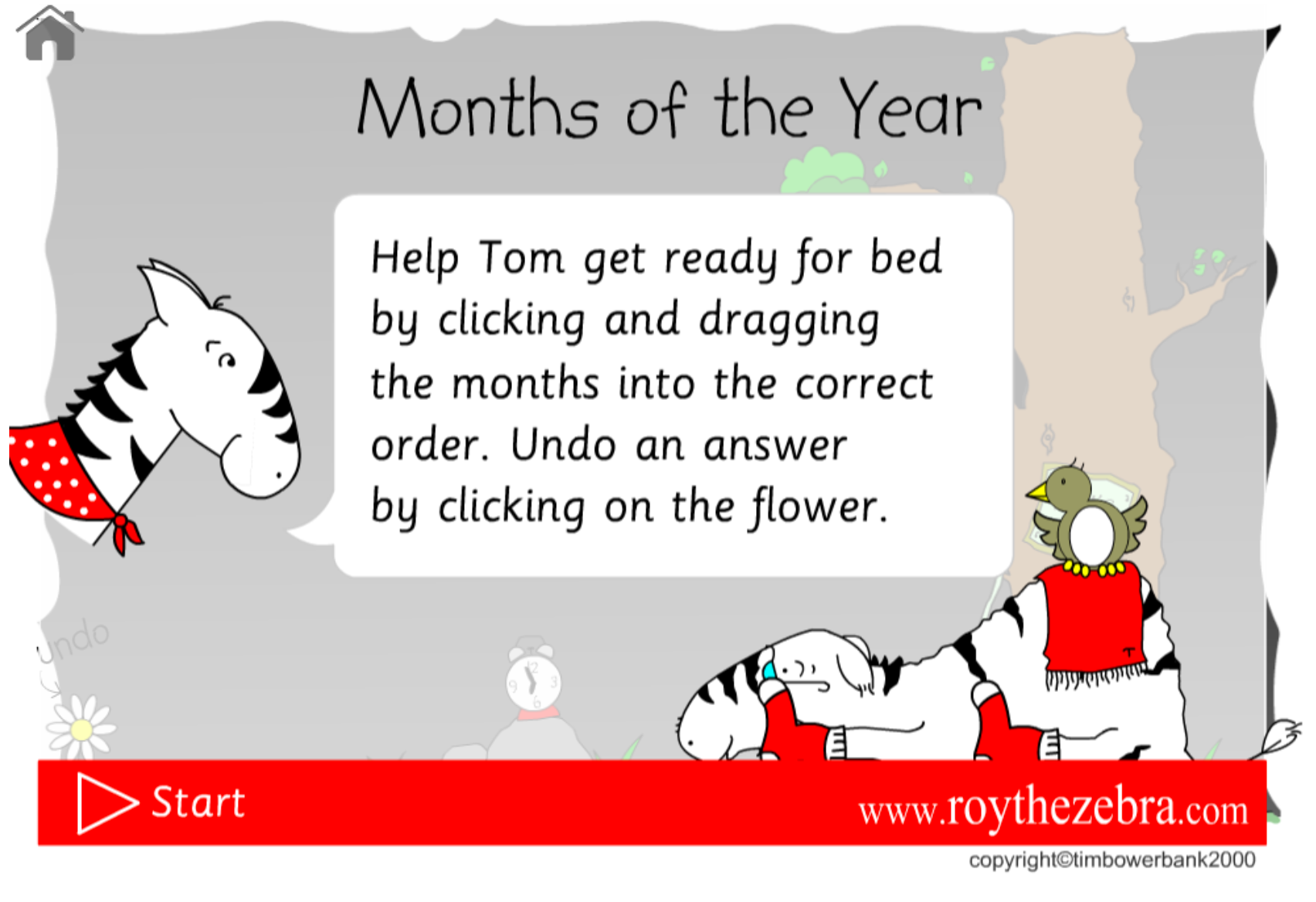
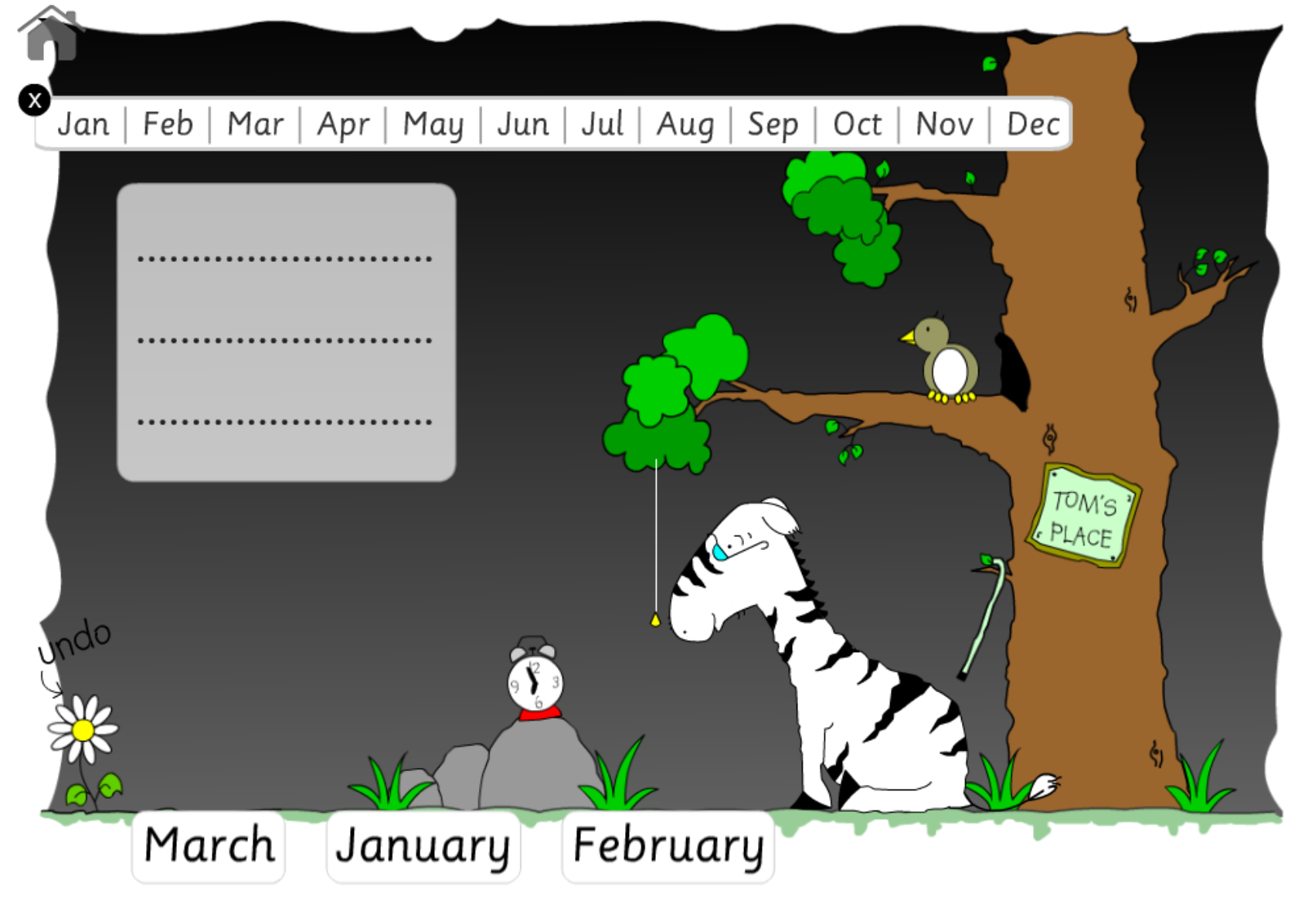
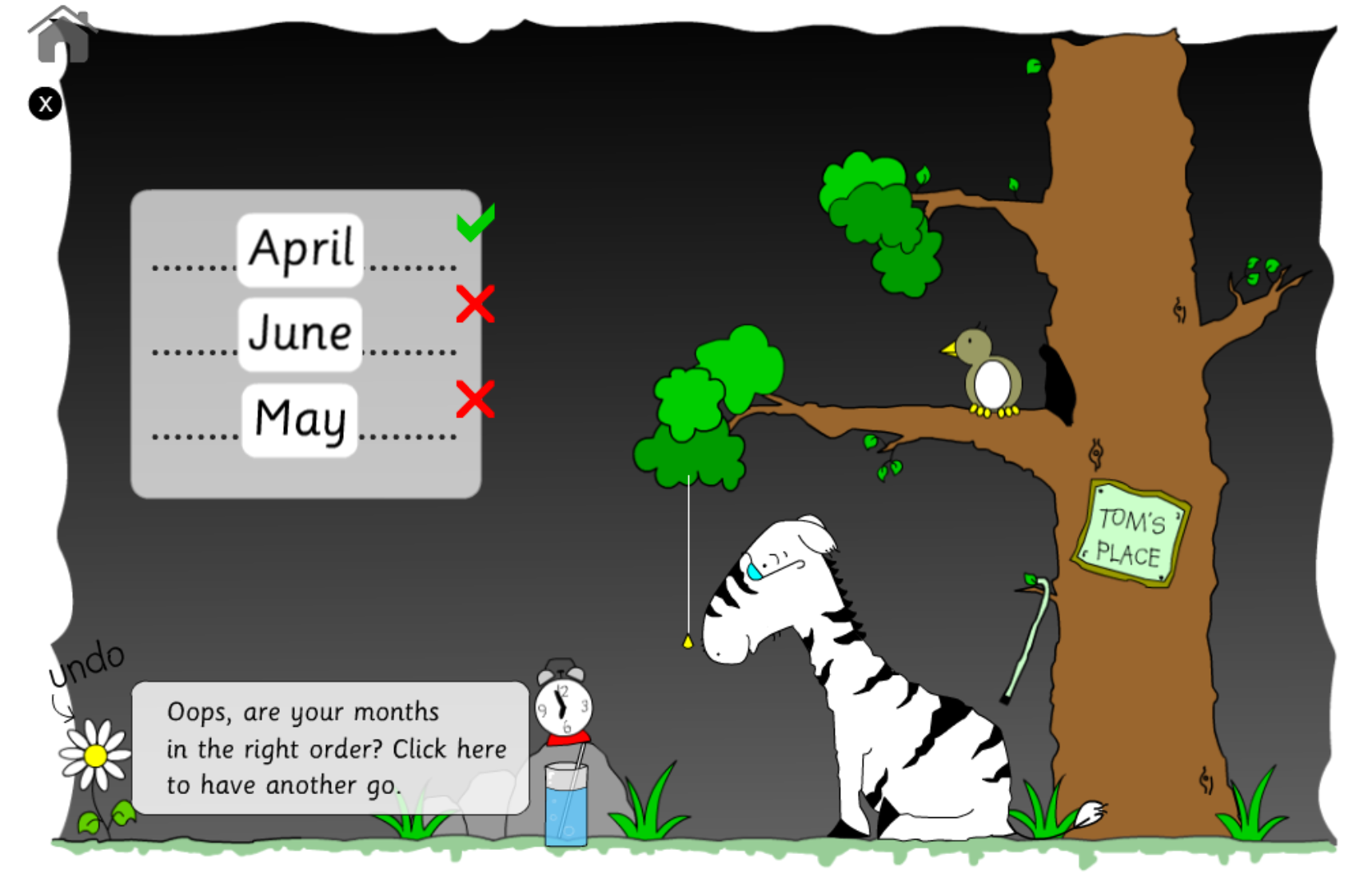
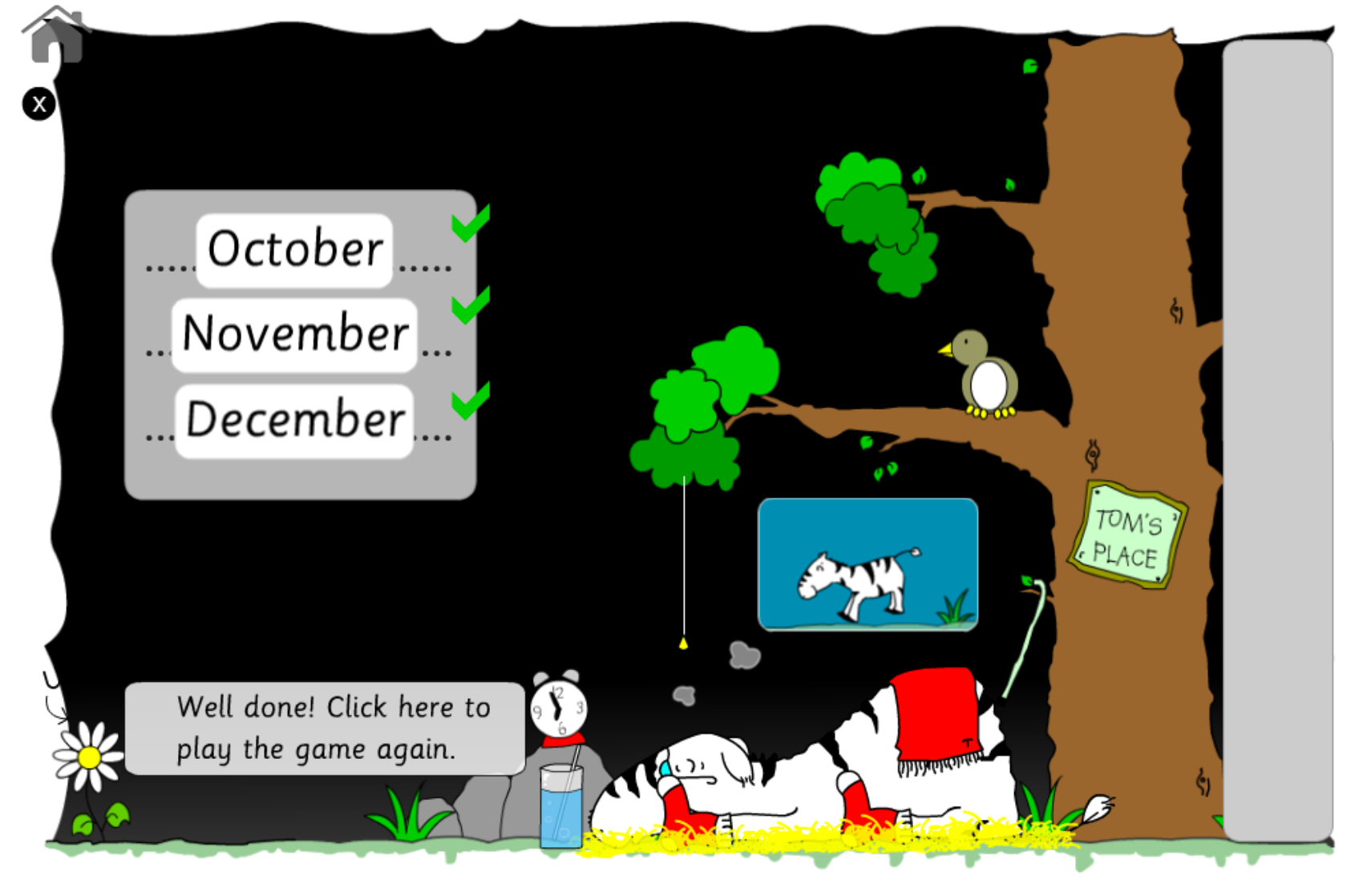
This time Ol' Uncle Tom is waiting for you to help him sort the months of the year into chronological order. Once you get the months into the right order you can give Uncle Tom one of his bedtime bits that will help him sleep well.
If you need some help then use the calendar bar above the main box. If you're feeling really clever then you can close the calendar by clicking the cross.
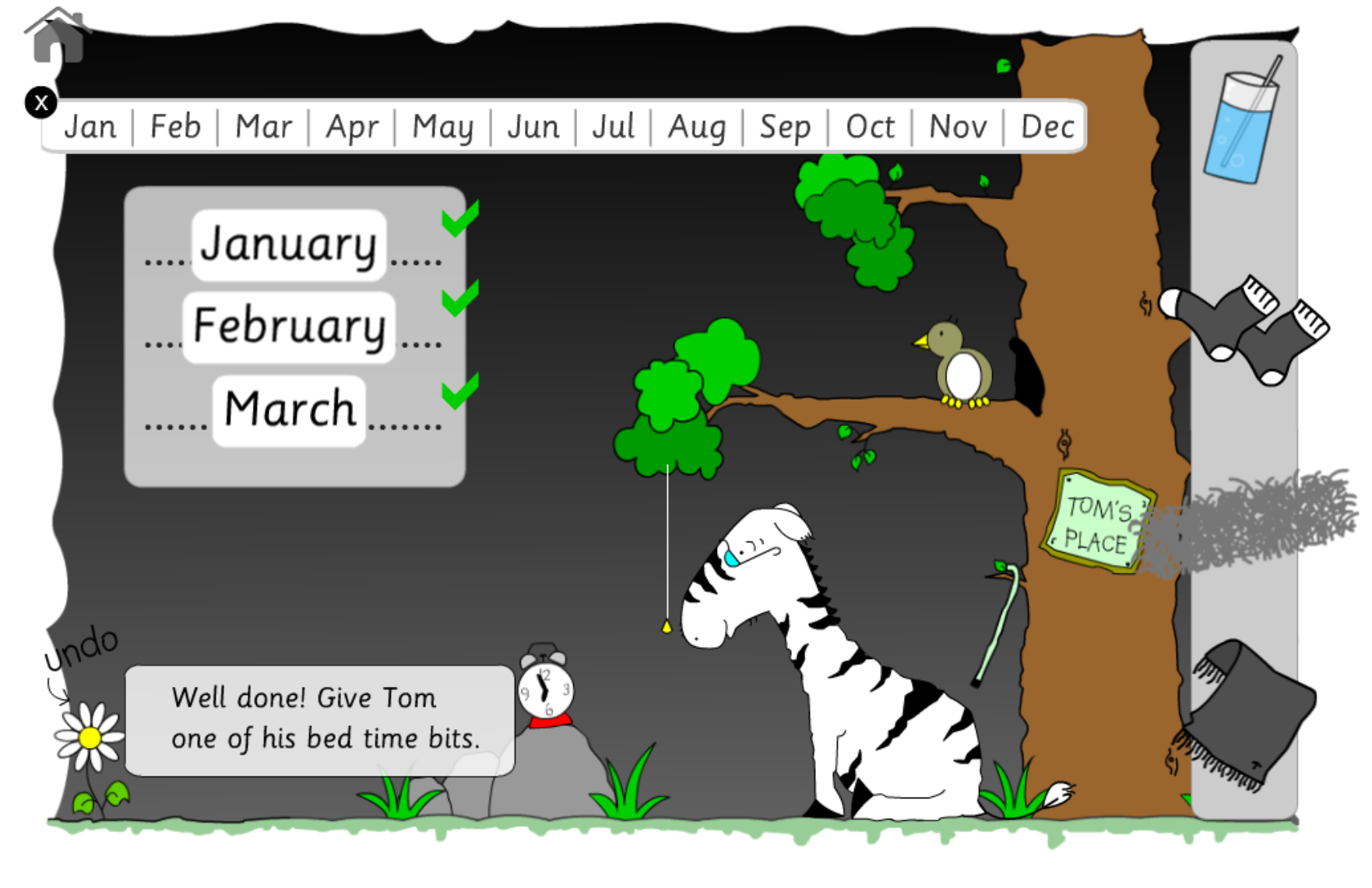
The game will automatically mark itself when you have finished dragging and dropping the months. If you have got the months in the right chronological order then you will be able to give Tom one of his bedtime bits, for example, a nice glass of water.
If you haven't got them in the right order then you will get another chance to re-order them.
If you make a mistake, then no worries, all you need to do is to click the flower in the bottom left-hand corner of the reading game and it will undo the last month dragged.
Keep dragging the months until Tom has all of his bedtime things.
He'll then be able to have a good nights sleep and dream of being young and running in the savanna!
There are lots of games that tackle high frequency words on Club Roy - check out the link in the main navigation.